
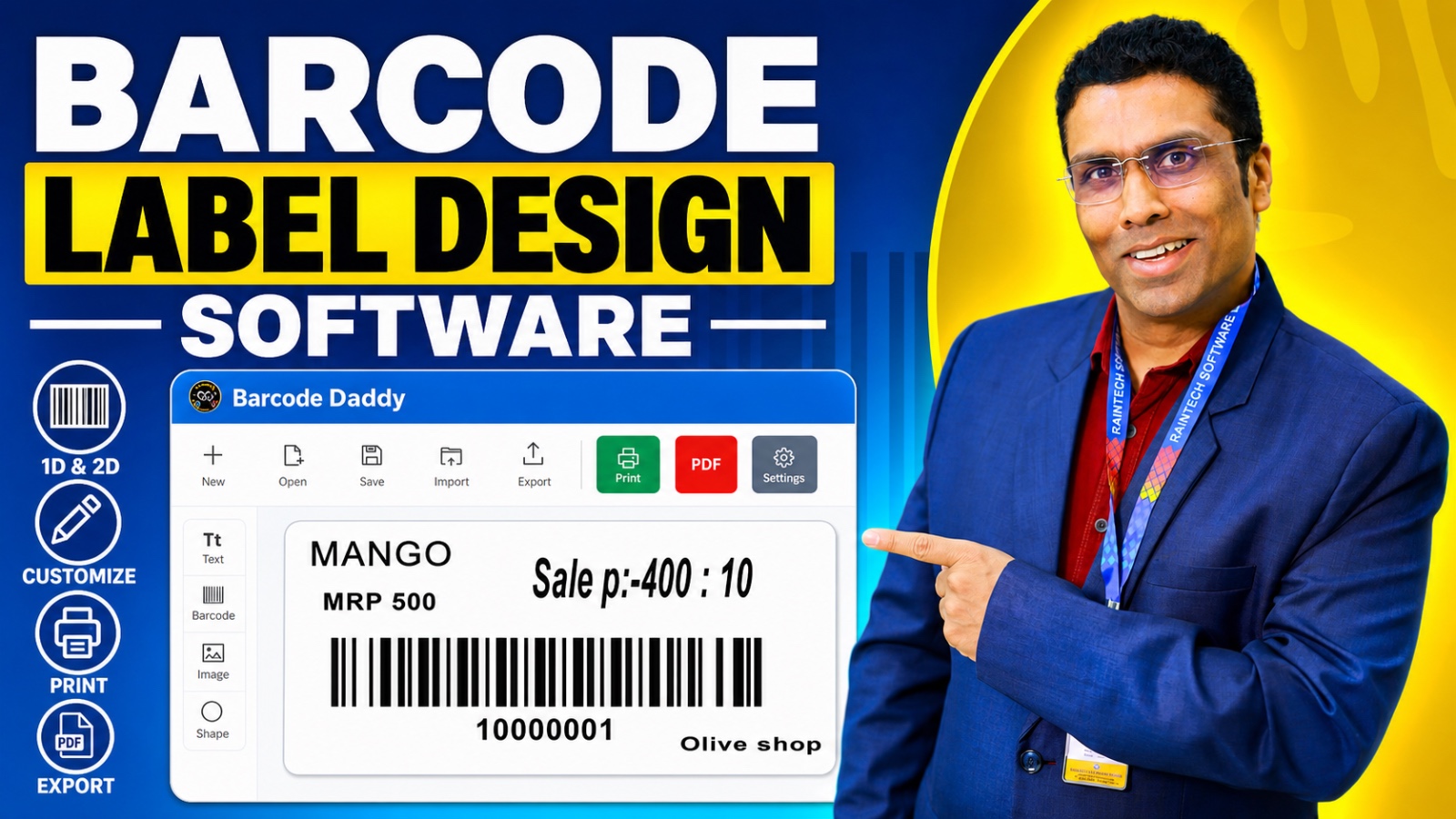
Barcode Label Design Software: Barcode Daddy Offline FAQ
Here are 50 questions and answers based on the provided document regarding the Barcode Daddy Offline Project by Raintech Software Limited.
Product Overview & Fundamentals
- Q: What is the Barcode Daddy Offline Project?
- A: It is a high-performance, easy-to-use barcode label design software designed for retail and garment industries.
- Q: Who developed the Barcode Daddy software?
- A: It is a product of Raintech Software Limited.
- Q: Is an internet connection required to use Barcode Daddy?
- A: No, the software is designed to work entirely offline.
- Q: What types of businesses is Barcode Daddy designed for?
- A: It is built for fast-paced retail and garment/apparel operations, from small boutiques to large warehouses.
- Q: Can the software generate QR codes?
- A: Yes, it includes an offline QR code generator.
- Q: What does it mean that the software is “hardware agnostic”?
- A: It means it is compatible with almost any thermal label printer, laser printer, or POS hardware.
- Q: Which operating systems is Barcode Daddy optimized for?
- A: It is optimized for Windows 10 and 11.
- Q: What specific display resolution is the UI optimized for?
- A: It is designed to be clear and legible on 1356 x 768 displays.
- Q: Is the software intended to handle inventory management?
- A: Yes, it serves as inventory barcode software for end-to-end tracking.
Design & Customization Features
- Q: Does the user need graphic design skills to use the software?
- A: No, the drag-and-drop designer allows customization without specific graphic design skills.
- Q: Are there pre-built layouts available for users?
- A: Yes, the software provides a library of professionally designed barcode label templates.
- Q: Can users create their own designs from scratch?
- A: Yes, the software supports both ready-made templates and design from scratch.
- Q: Can Barcode Daddy handle jewelry and garment tags?
- A: Yes, it supports the creation of custom jewelry and garment tags.
- Q: What types of barcodes can be created with the software?
- A: It supports 1D barcodes and 2D QR codes.
Operational & Inventory Management
- Q: How can labels be generated directly from sales data?
- A: The software can automatically generate labels based on the exact quantities in purchase invoices.
- Q: Can a user update many product barcodes at once?
- A: Yes, the software features an Excel-style interface for bulk sheet editing.
- Q: How does the software handle items with different sizes or colors?
- A: It allows users to manage unique barcodes for different sizes and colors of the same item.
- Q: Can a single item have multiple barcodes?
- A: Yes, the software allows assigning multiple barcodes to a single item, including original manufacturer codes.
- Q: What is “AI-Powered Quantity Sync”?
- A: It is a feature that automatically detects entry quantities to trigger the correct number of label prints.
- Q: How can a user find a product quickly using its barcode?
- A: Users can utilize the “Ctrl + F” global shortcut search to scan and find any product instantly.
- Q: Does the software support digital shelf-labeling?
- A: Yes, it can print formatted price tags for retail racks and displays.
- Q: How are branches organized within the software?
- A: Users can use prefix/suffix sequences to organize stock across multiple branches.
- Q: What is “Combo Pack Barcoding”?
- A: It allows the creation of single barcodes for bundles that automatically deduct individual parts from inventory.
- Q: Does the software provide notifications for low stock?
- A: Yes, it provides alerts the moment a scan reduces inventory below a set threshold.
- Q: Can the barcode counter sequence be reset?
- A: Yes, the software allows users to manage sequences for different financial years or stock overhauls.
- Q: What kind of scanners is the software compatible with?
- A: It works with handheld lasers, 2D scanners, and mobile-based scanning devices.
Data & Privacy
- Q: Where is business data stored when using Barcode Daddy?
- A: Data stays local and secure on the user’s own hardware or server.
- Q: What does the software offer for data protection?
- A: It includes “set-and-forget” backup features to ensure data is protected and restorable.
- Q: How is data privacy managed?
- A: Business intelligence remains entirely under the user’s control locally.
Company History & Credibility
- Q: When was Raintech Software Limited established as a Public Limited Company?
- A: It was established as a Public Limited Company in 2020.
- Q: When did the company start its journey?
- A: The company began in 2006.
- Q: What was the company’s initial business focus?
- A: It started as hardware experts.
- Q: How many years of domain experience does the company have?
- A: Over 23 years of domain experience.
- Q: Who is the CEO of Raintech Software Limited?
- A: The CEO is Mr. Shibin Kumar.
- Q: How many retailers has the company served?
- A: The company has served over 1.5 Lakh retailers.
- Q: Under which ministry does the company operate in India?
- A: It operates under the Ministry of Corporate Affairs in India.
- Q: What is the primary mission of Raintech Software Limited regarding their products?
- A: To provide ideal products through exceptional performance and quality POS software that handles billing demands easily.
Customer Service & Support
- Q: Does Raintech Software Limited provide training?
- A: Yes, they have a specialized customer service team to assist with online training.
- Q: What support is available for software installation?
- A: They provide direct contact numbers for experts who specialize in installation and hardware configuration.
- Q: Why does the company prioritize human-centric customer service?
- A: Because they believe that great software is only as good as the support behind it.
- Q: What role do the “dedicated specialists” play?
- A: They assist with installation, software training, and hardware configuration.
Miscellaneous Details
- Q: What does the CEO believe is the benefit of the billing systems regarding decision-making?
- A: They provide rich analytical information to help with swift decision-making.
- Q: What is the company’s perspective on entrepreneurship?
- A: They believe in simplifying the billing aspect of business to protect the entrepreneur’s investment.
- Q: Is the software designed for manufacturing workflows?
- A: Yes, it is built for manufacturing barcode workflows.
- Q: What is the main benefit of using the “Offline Project” regarding connectivity?
- A: It allows work to continue without interruption from internet connectivity issues.
- Q: Does the software support printing labels from purchase invoices?
- A: Yes, it enables direct purchase printing based on invoice quantities.
- Q: Does the software support Windows security features?
- A: Yes, it is optimized for the latest security and stability features on modern operating systems.
- Q: What is one goal mentioned by the Managing Director, Mr. Shibin Kumar?
- A: To simplify the billing aspect of business through customization.
- Q: How is the UI designed to handle display limitations?
- A: It is designed to be clear and legible even on budget-friendly, smaller displays.
- Q: How can new users get started with the software?
- A: They can experience the simplicity of professional barcoding by using the Barcode Daddy Offline Project.